Monitoring a Domain through the Public DNS records
ZoneWatcher makes monitoring your domain's DNS records easy, even if your DNS provider doesn't provide an API.
Creating your Public DNS Provider
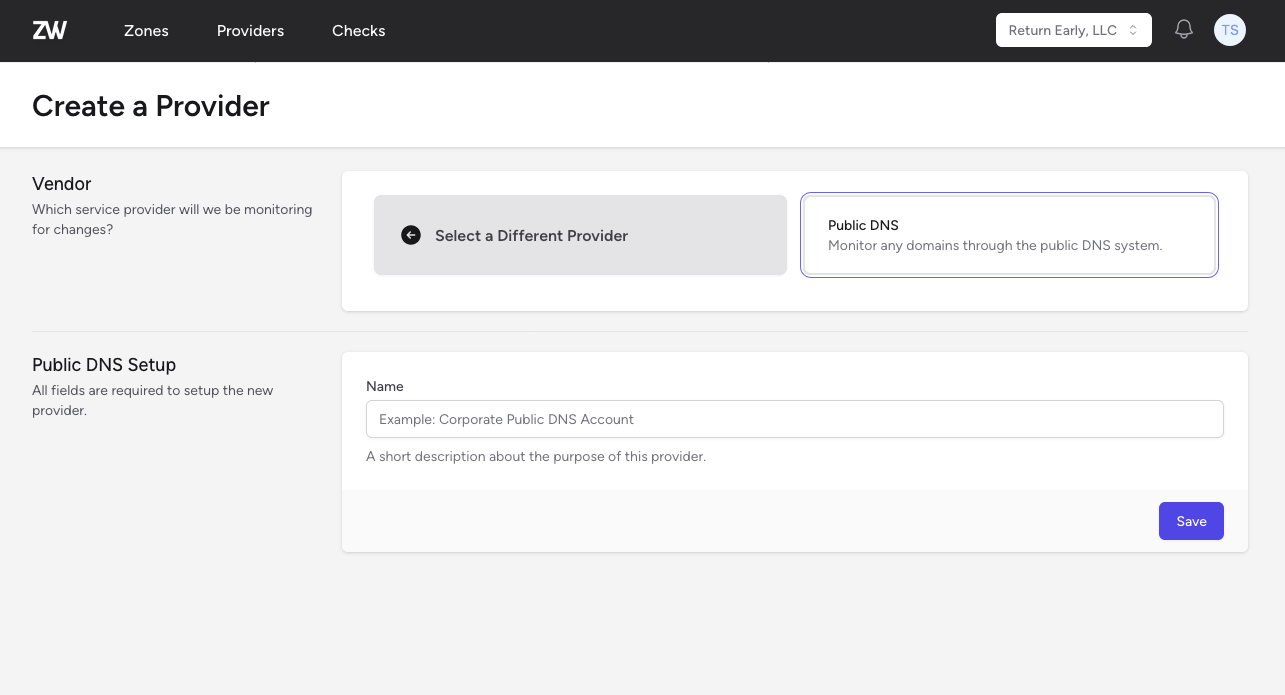
Create your new Public DNS provider on ZoneWatcher by giving it a descriptive name, and clicking the Save button.
Adding your Zones
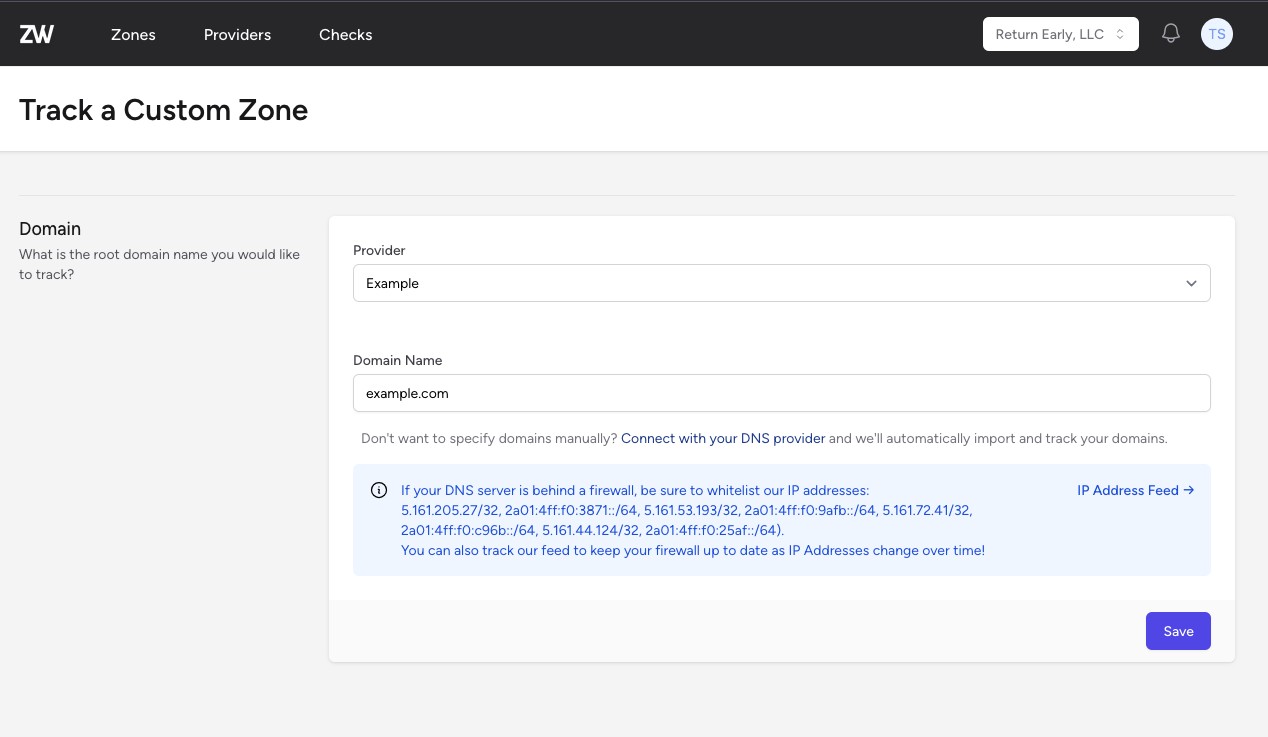
After creating the provider, you can create your first zone by entering the domain name you want to monitor.
The First Sync
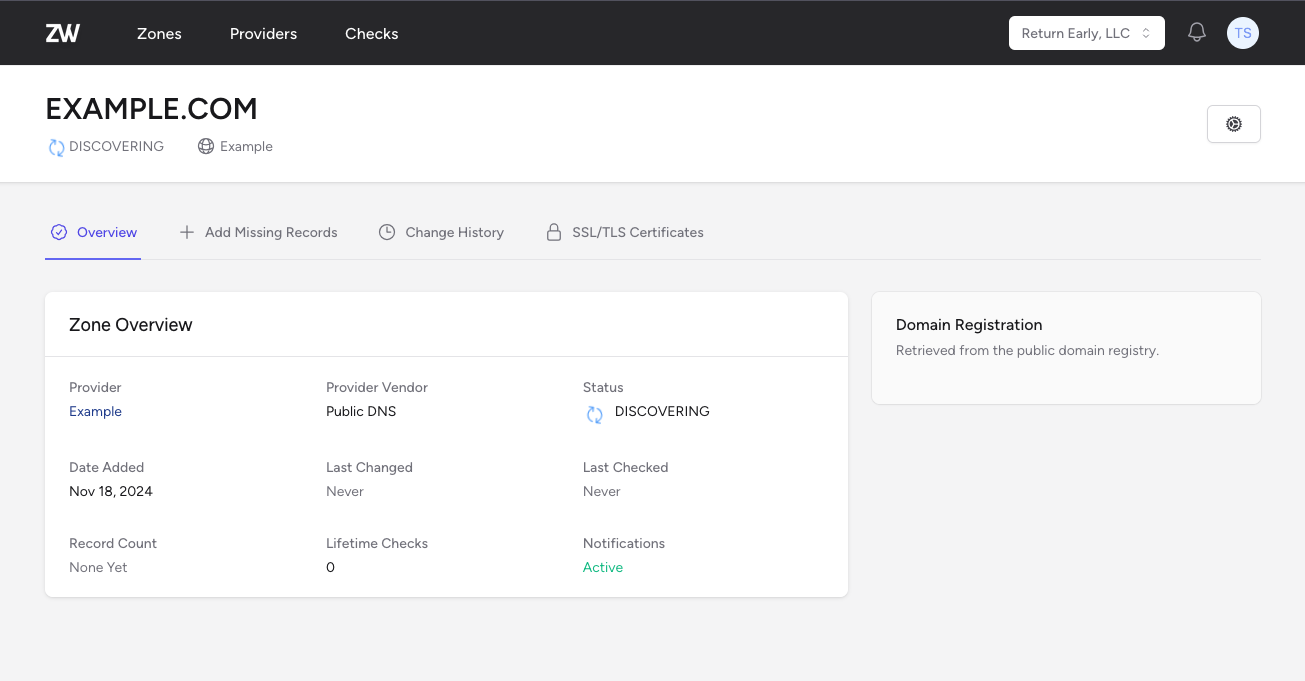
After adding the zone, the first sync will be triggered. This sync will auto-discover the most common 5,000 DNS records for your domain, as well as records that you have had SSL/TLS certificates issued for in the past.
It's perfectly normal for the first sync to take a few minutes to complete as the discovery process is running. Subsequent syncs will be much faster as we only need to check for changes.
Adding Missing Records
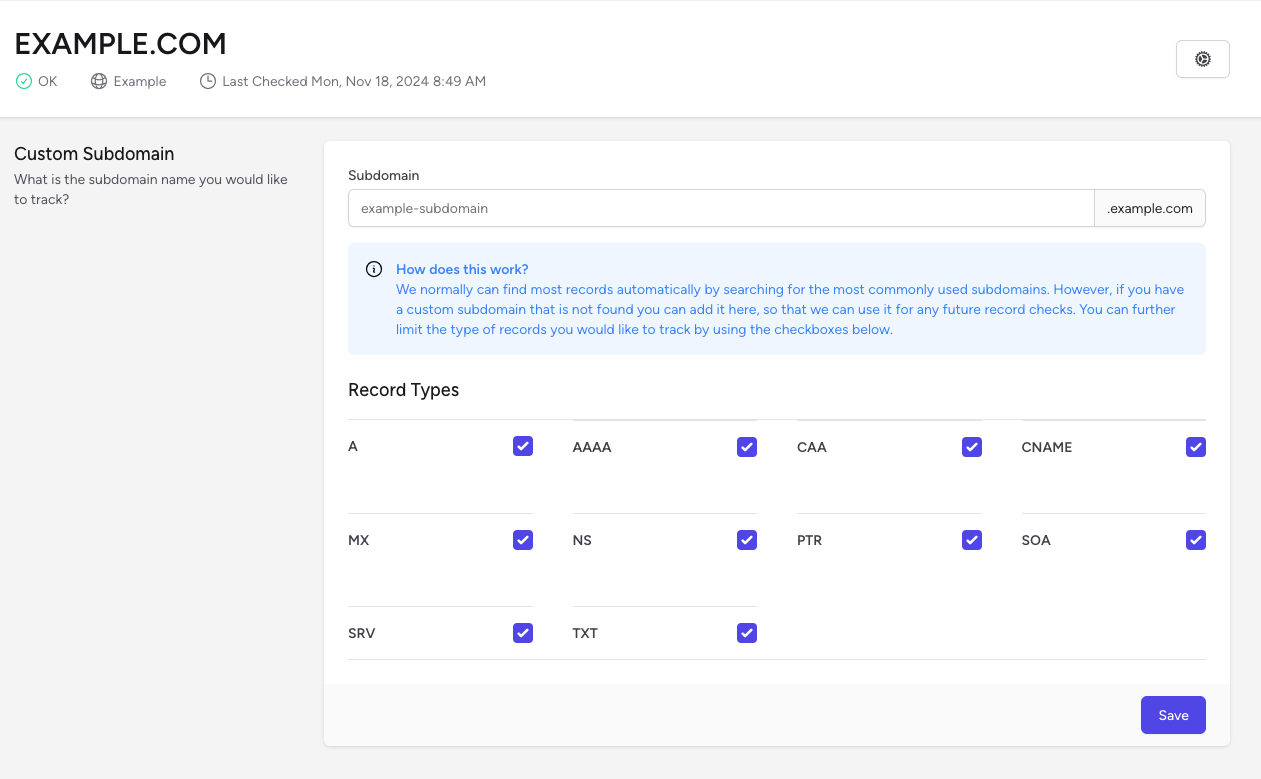
If you have a unique DNS record that hasn't been found by the auto-discovery process, you can add it manually by clicking the "Add Missing Records" button. You'll then be prompted for the record name and the record types you'd like to check.